


WPS Office screenshots (25)
Description WPS Office
Your Pocket-Sized Office Suite is Finally Here
Imagine having the full power of a desktop office suite, but it fits in your pocket and goes wherever you do. That’s the reality with WPS Office. This isn't just another document viewer; it's a comprehensive productivity powerhouse designed for your Android phone or tablet. You can create, edit, and share professional documents, spreadsheets, and presentations directly from your device, breaking free from your desk. Whether you're a student finishing an assignment on the bus, a professional sending a last-minute report, or an entrepreneur drafting a proposal, this app puts complete control in your hands. The ability to handle all major file formats—including DOCX, XLSX, PPTX, and PDF—means you’ll never be stuck unable to open or edit a critical file again.
A Deep Dive Into Your New Productivity Toolkit
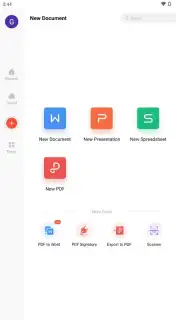
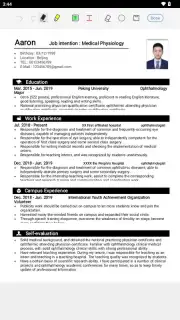
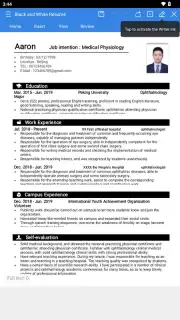
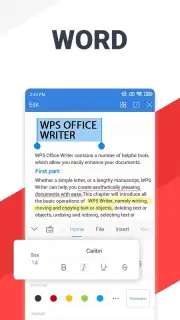
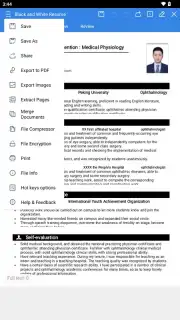
WPS Office bundles several powerful applications into one seamless experience. The Writer tool transforms your device into a robust word processor. You can craft everything from simple notes to complex, formatted reports. The interface gives you precise control over fonts, margins, and styles, while the ability to insert tables and images makes your documents visually compelling. Crucially, built-in spelling and grammar checkers ensure your work is polished and professional, and collaboration features like comment threads and change tracking make team edits effortless.
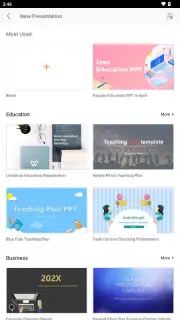
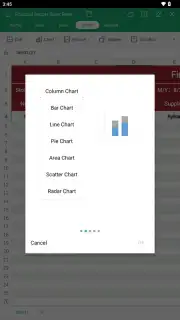
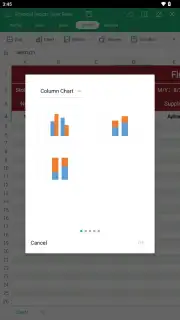
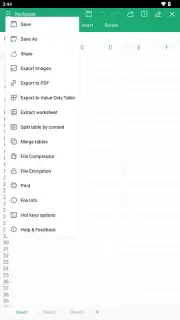
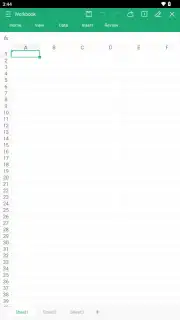
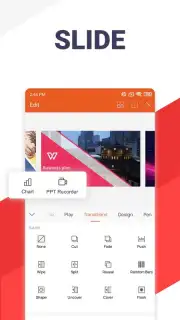
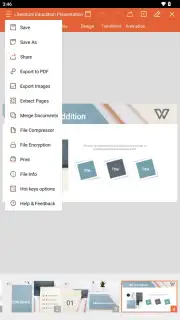
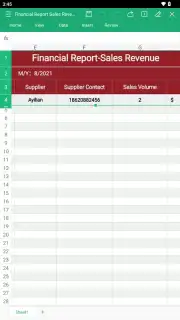
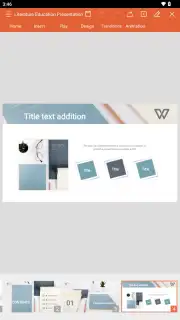
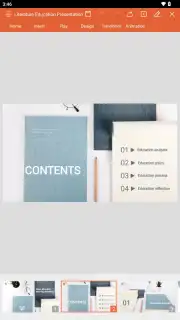
For number crunching and data management, the Spreadsheets application is your solution. It supports hundreds of functions and formulas for complex calculations, delivering results instantly. Once your data is ready, you can visualize it with a variety of charts—from bar and pie charts to line graphs and histograms—making analysis and presentation straightforward. When it’s time to present your ideas, the Presentation app lets you build stunning slideshows directly on your Android. Add text, images, animations, and smooth transitions to create dynamic presentations. Full compatibility with Microsoft PowerPoint files means you can edit any presentation sent to you, and you can even project it directly from your mobile device without needing a laptop.
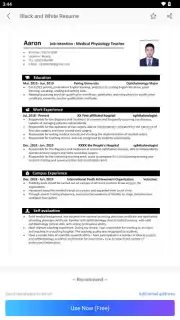
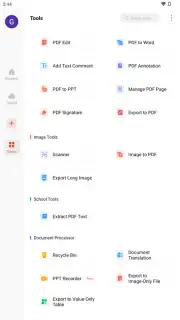
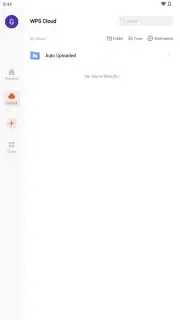
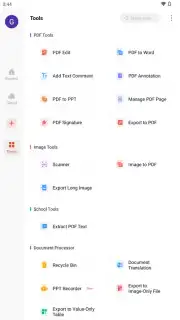
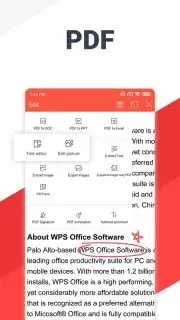
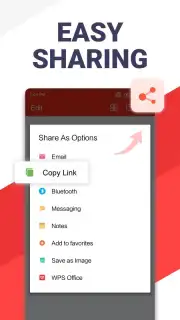
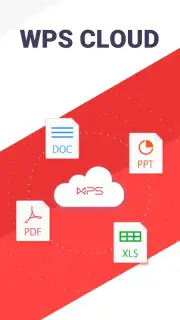
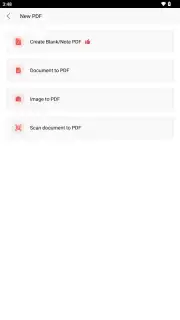
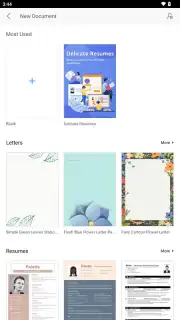
A standout feature is the integrated PDF reader and editor. You can view PDFs, add comments, highlight text, and even sign documents digitally. For advanced PDF editing and conversion, a WPS Pro subscription unlocks the full potential. Collaboration is simplified through deep integration with cloud services like Google Drive, Dropbox, and OneDrive. Your files sync automatically, ensuring you never lose work and can access the latest version from any device. Real-time collaboration features make working on team projects, whether academic or business, a smooth process. To jumpstart any project, you have access to a vast library of ready-made templates for documents, spreadsheets, and slides, saving you hours of design work.
- All-in-One File Support: Open, view, and edit documents, spreadsheets, presentations, and PDFs in all standard formats including DOC, DOCX, XLS, PPT, and PDF.
- Advanced Word Processing: Create and format complex documents with tools for styles, tables, images, and robust spelling/grammar checking.
- Powerful Spreadsheet Engine: Perform calculations with hundreds of formulas and visualize data with a wide array of chart types.
- Professional Presentation Builder: Design compelling slideshows with multimedia elements and full PowerPoint compatibility for editing and projection.
- Integrated PDF Suite: Read, annotate, highlight, and sign PDF documents directly within the app.
- Seamless Cloud Sync & Collaboration: Connect to Google Drive, Dropbox, and OneDrive for automatic saving, access anywhere, and real-time collaborative editing.
- Time-Saving Templates: Kickstart any project with professionally designed templates for documents, spreadsheets, and presentations.
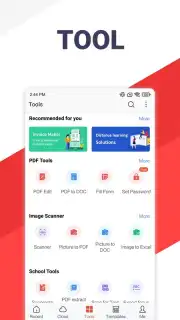
- Additional Productivity Tools: Scan documents with your camera, convert files between formats, add comments to any file, and translate document text.
Download WPS Office Now—Exclusive access for new users includes optimized performance and full template library access. Transform your mobile device into your primary workstation today; this level of free functionality is unmatched. Get it before any potential feature adjustments!
Heads up: you'll need wifi for cloud sync and real-time collaboration features. Some cool stuff like advanced PDF editing and conversion is extra via a WPS Pro subscription.
Information
| Version | 26.8.0 |
| Developer | Kingsoft Office Software |
| Requirements | Android Android 7.0+ |
| Updated | 02.09.2026 |
| Size | 260.62 MB |
| Package | cn.wps.moffice_eng |
| Signature | 72:66:E5:A0:58:B0:8D:4C:67:21:4E:68:1A:46:3E:AB:E4:03:4A:32 |


