


Wuweido screenshots (14)
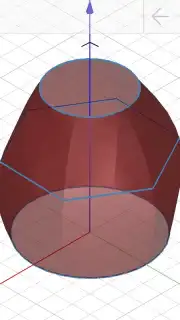
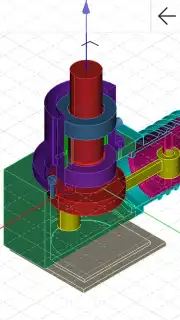
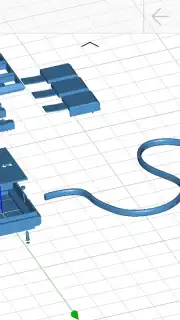
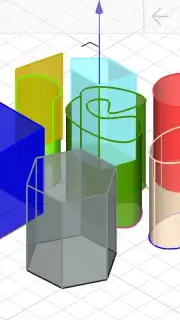
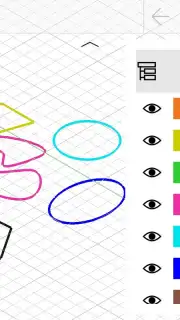
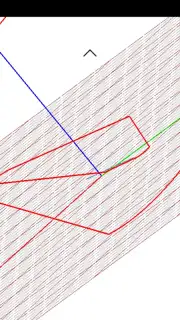

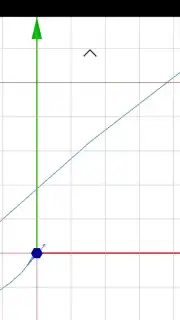
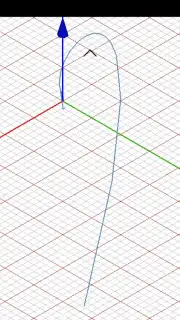
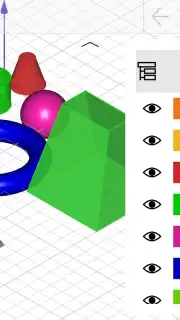
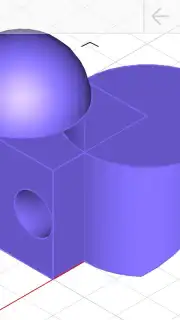
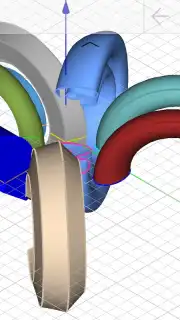
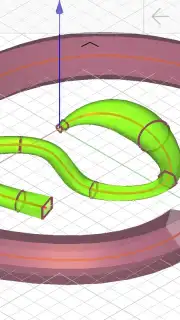
Description Wuweido
A Practical Review of Wuweido: 3D CAD Modeling on Mobile
The transition from conceptual sketch to tangible 3D model has traditionally required desktop software and significant training. Wuweido challenges this notion by placing a functional 3D parametric modeling environment directly onto an Android device. This review examines its mechanics as a free application for art and design, assessing whether its touch-screen interface can genuinely serve as a tool for both rapid prototyping and detailed design work.
Core Functionality and User Interface Analysis
Wuweido operates as a mobile-centric Computer-Aided Design (CAD) tool. Its primary function is the creation and manipulation of three-dimensional geometric forms. The control scheme is built entirely around touch gestures: dragging a finger across the screen directly manipulates the model's orientation in 3D space, while different touch actions engage various sketching and modification tools. This direct manipulation aims to lower the barrier to entry, proposing an experience akin to a sophisticated, three-dimensional version of a basic paint program, but with the added depth of parametric controls.
The application provides a spectrum of modeling approaches. Users can perform quick, gestural modeling by simply pressing and dragging to generate primitive forms, suitable for blocking out concepts or visual presentations. Conversely, for detailed work, it offers access to a suite of adjustable parameters and auxiliary elements. This allows for the precise definition of dimensions, angles, and relationships between different parts of a model, moving from a rough visual shape to a technically defined object.
- Gesture-Based 3D Modeling: Manipulate axes and create geometry directly through intuitive finger movements on the touchscreen.
- Dual-Mode Design Workflow: Switch rapidly between free-form visual sketching and precise parametric modeling with adjustable constraints.
- Comprehensive Free Access: The core 3D CAD modeling toolkit is available without cost, supporting a wide range of design projects.
- Advanced Parameter Customization: Fine-tune every aspect of your models with detailed numerical inputs and relational parameters.
- Ad-Free Turbo Experience: An optional enhancement removes advertisements and potentially unlocks performance or feature benefits.
The application's structure suggests that its full operational logic can be grasped within a short period of focused use. Its menus are organized to progressively reveal complexity, allowing new users to start with basic shapes while keeping advanced tools accessible for more intricate creations.
Start creating detailed 3D models directly from your phone today. Download the Wuweido mobile app now and claim your advantage now.
Internet required. IAP available.
Information
| Version | 4.3.2 |
| Developer | 3d cad on android for free |
| Requirements | Android Android 6.0+ |
| Updated | 15.09.2026 |
| Size | 38.94 MB |
| Package | com.wuweido.cad |
| Signature | f198f0d7bca3e945d10f5885c9987da26cae435b |
| Architecture | arm64-v8a |


