


X-plore File Manager screenshots (15)
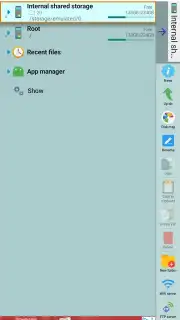
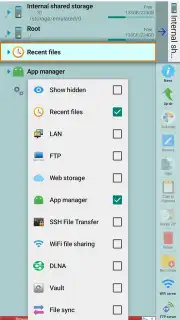
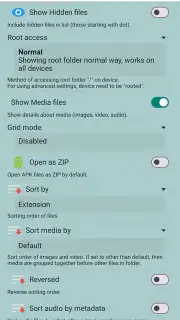
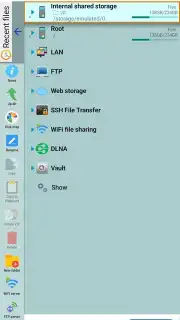
Description X-plore File Manager
A file manager that reveals the true depth of your Android device.
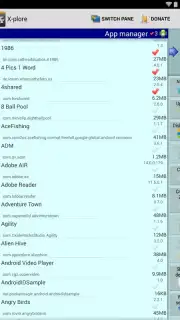
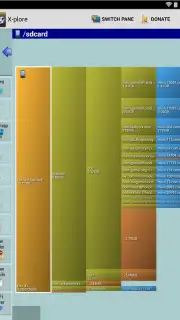
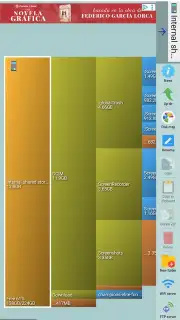
X-plore File Manager operates on a different level than standard file utilities. It provides a comprehensive, system-level view of your Android's storage, treating the device as a fully accessible computer rather than a locked-down appliance. This application is engineered for users who need to execute precise file operations—copying, moving, renaming, and deleting across any directory—without the limitations imposed by simpler tools. Its architecture allows for direct management of all content on your phone or tablet's internal memory and expandable storage.
Core Functionality and Advanced Capabilities
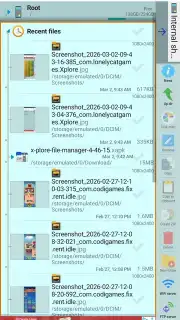
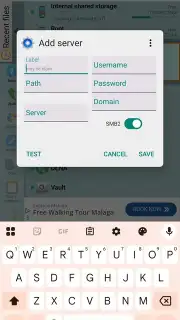
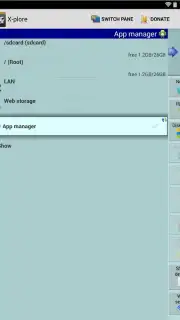
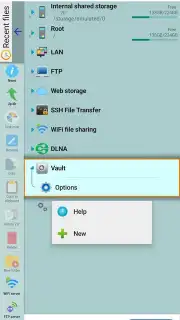
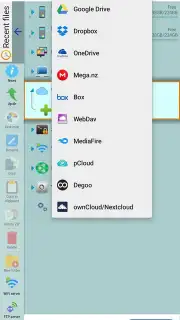
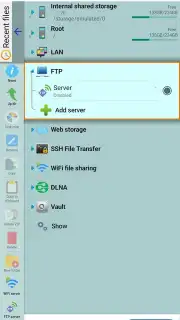
The application distinguishes itself through its layered approach to file systems. Beyond basic navigation, it features a built-in archive handler that can peer inside compressed ZIP, 7Zip, and RAR files as if they were ordinary folders, allowing for direct extraction and management of archived contents. Notably, it extends this functionality to APK files, enabling you to inspect the package structure of installed or downloaded applications. For network operations, X-plore creates a unified bridge between local and remote storage. You can establish direct connections to cloud services like Google Drive or Dropbox, access files via FTP/FTPS servers, and browse shared folders on local Wi-Fi networks, all within a single, cohesive interface.
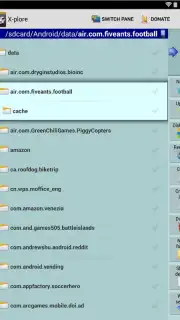
The dual-pane explorer view is central to its workflow efficiency, enabling drag-and-drop transfers between locations. While feature-rich, the interface is meticulously adapted for touch interaction, with a clear iconography and context menus that make complex actions achievable through intuitive gestures. The optional "Turbo" mode enhances performance for these operations, and the absence of display advertising ensures an uninterrupted focus on tasks.
- Dual-pane explorer for efficient file management and transfers.
- Native support for browsing and extracting ZIP, RAR, and APK archives.
- Integrated access to cloud storage, FTP servers, and LAN shares.
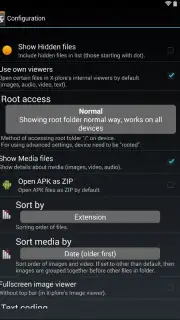
- Root explorer functionality for advanced system file access.
- Wi-Fi file sharing module for direct device-to-device transfers.
We suggest trying X-plore File Manager if your work requires granular control over Android's file system and networked storage. Consider downloading it to replace several disparate utilities with one powerful, integrated tool.
Disclaimer: This application requires access to device storage and may request network permissions for cloud and Wi-Fi sharing features. An internet connection is needed for cloud services and FTP. Some advanced features may require in-app purchases. Use in accordance with your device's terms and age restrictions. Data usage applies when transferring files over cellular or Wi-Fi networks.
Information
| Version | 4.46.15 |
| Developer | Lonely Cat Games |
| Requirements | Android Android + 10+ |
| Updated | 17.03.2026 |
| Size | 14.59 MB |
| Package | com.lonelycatgames.Xplore |
| Signature | b362ecd0606b3f32f0fde18f98617c19 |
| Architecture | armeabi-v7a, arm64-v8a |


