

YoWA screenshots (14)

Description YoWA
A Closer Look at the Unofficial WhatsApp Mod
In the crowded landscape of messaging apps, users often find themselves wishing for just a few more features, a bit more control over their digital conversations. The official WhatsApp client, while ubiquitous, operates within a defined set of parameters. This is where modified applications step in, offering a pathway to customization that the original app does not provide. YoWA presents itself as one such modification, a third-party client built upon the familiar WhatsApp framework but engineered to unlock a significantly broader range of user personalization and functional tweaks. It operates as a parallel, enhanced interface to the same messaging network, promising the core experience plus much more.
Detailed Feature Analysis and Performance
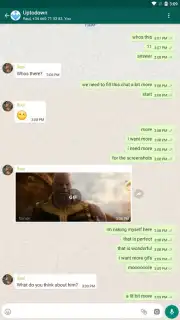
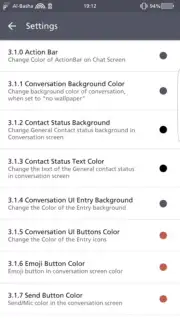
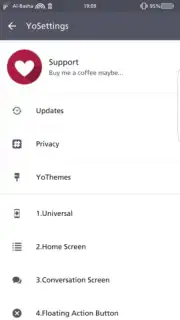
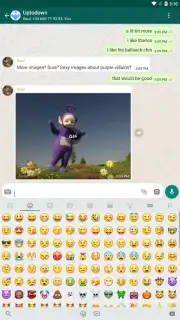
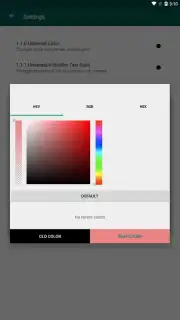
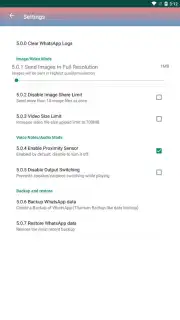
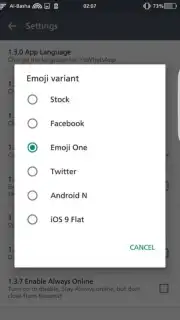
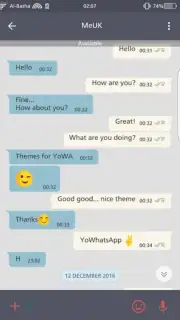
The primary distinction of YoWA lies in its extensive customization suite. Where the standard app offers limited theme options, YoWA provides access to a vast library, allowing for a complete visual overhaul of the interface. This extends to individual chats, where you can assign unique background images to each conversation, creating a distinct visual environment for different contacts or groups. Beyond aesthetics, the app introduces practical enhancements for media sharing. It removes the automatic compression for images and videos, enabling you to send files in their original quality—a notable advantage for photographers or anyone sharing detailed visuals. Furthermore, it dramatically increases the batch-send limit, allowing up to 700 images to be selected and dispatched simultaneously, streamlining the process of sharing large photo sets.
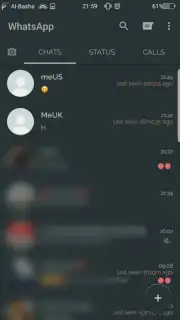
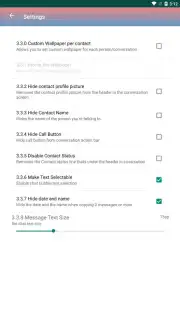
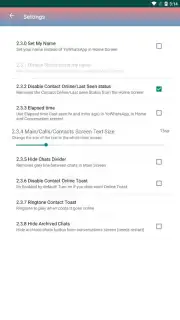
Functionally, YoWA maintains full compatibility with WhatsApp's core systems. All standard features like voice and video calls, text and voice messaging, and group chats operate identically, ensuring you remain seamlessly connected to your existing contacts. The transition from the official app is straightforward; your account and chat history migrate directly. Additional utility features include the ability to hide contact names from the main chat list for increased privacy and options to adjust system-wide font size for improved readability. A significant user benefit is the complete absence of advertisements within the interface, a common frustration in many third-party mods, resulting in an uninterrupted messaging experience.
Core Advantages Over the Standard Client
- Apply extensive visual themes and assign unique custom backgrounds for every single chat.
- Send images and video files without quality loss due to compression, preserving original detail.
- Select and dispatch large batches of up to 700 media files in one single operation.
- Utilize the full WhatsApp network for calls and messages with zero advertising interruptions.
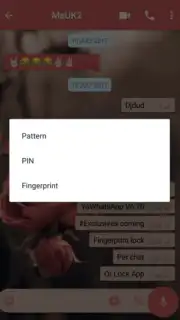
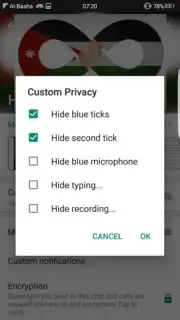
- Access additional privacy controls like hiding contact names and customize display settings like font size.
The app delivers a noticeably more powerful and personalized messaging toolkit without altering the fundamental network you rely on.
Download YoWA now and immediately upgrade your messaging experience with superior customization and control!
Note: This application requires an active internet connection and functions alongside the official WhatsApp service. It is a third-party modification and is not developed or endorsed by WhatsApp Inc. Use of such mods may be against the official terms of service.
Information
| Version | 2.23.13.76 |
| Developer | YOUSEF AL BASHA |
| Requirements | Android Android + 5.0+ |
| Updated | 17.03.2026 |
| Size | 70.92 MB |
| Package | com.yowhatsapp |
| Signature | 2b96639fef320e2100f66e026b6c6bf8 |
| Architecture | armeabi-v7a, arm64-v8a |


