


7Zipper screenshots (9)

Description 7Zipper
Tired of Your Phone's Files Being a Mess?
You know the feeling. You need to attach a document to an email, but it's buried somewhere in a maze of folders. You want to clear space, but you're not sure what's safe to delete. Your phone holds your digital life, yet managing it feels like a chore with limited tools. That frustration ends now. Imagine having complete, effortless control over every file, archive, and system detail on your device. This is the level of organization and power that transforms your mobile from a simple gadget into a truly productive tool.
Your All-in-One File Command Center
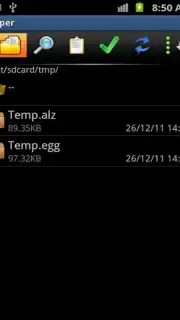
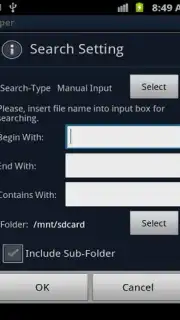
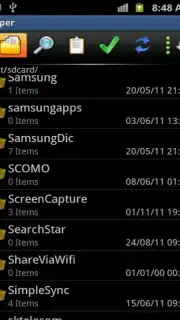
7Zipper is designed to be the ultimate file management solution you install once and use for everything. It goes far beyond a simple file browser, acting as a comprehensive system utility that places unparalleled control directly in your hands. You navigate through every directory on your internal storage and SD card with confidence, accessing areas that were previously hidden or restricted. The interface is built for efficiency, allowing you to perform complex tasks with just a few taps. This tool doesn't just help you find files; it helps you understand and optimize your entire device's performance, turning file management from a headache into a seamless part of your daily routine.
Core Features That Redefine Convenience
- Perform bulk file operations with ease, including copying, moving, renaming, or deleting multiple items simultaneously to save vast amounts of time.
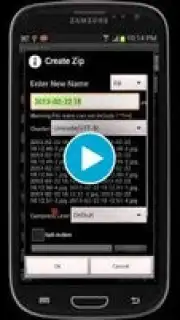
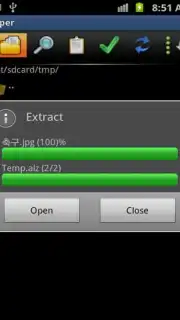
- Extract and handle every major archive format, including RAR, 7ZIP, TAR, GZ, and BZ2, ensuring no compressed file is ever out of your reach.
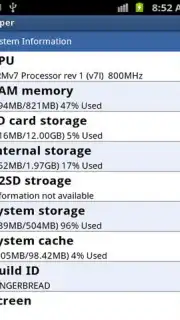
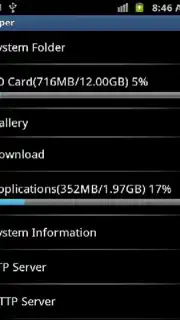
- Access advanced system tools and information, monitoring real-time data on CPU, battery, network usage, and memory to manage your device's health.
The functionality extends into areas you might not expect from a file manager. You can create backups of important data, view images directly within the app, manage running processes, and even use built-in utilities like a calculator and timer. The ability to quickly attach any file to an email directly from within the app streamlines your workflow dramatically. With the powerful Turbo mode, you experience all these capabilities in a completely ad-free environment, allowing for faster, uninterrupted management. This holistic approach means you can better organize your storage, place every file exactly where it belongs, and ultimately reclaim space and sanity on your device.
Download 7Zipper now — exclusive, ad-free access is a limited-time offer for new users!
Disclaimer: This application requires an internet connection for certain functions. It may contain in-app purchases. Data usage fees may apply depending on your network plan. Use of system tools should be performed with caution. Please check the product description for age restrictions and review the app's data privacy policy before installation.
Information
| Version | 3.11.15 |
| Developer | Polar Soft |
| Requirements | Android Android + 4.4+ |
| Updated | 17.03.2026 |
| Size | 17.27 MB |
| Package | org.joa.zipperplus7 |
| Signature | bf84d4ed23a37250147367e60244a385 |
| Architecture | armeabi, arm64-v8a |


