


Apowersoft PDF Converter screenshots (15)

Description Apowersoft PDF Converter
Transform Your Documents in Seconds, Anywhere
Managing PDFs on a mobile device often means juggling between limited apps and struggling with formatting. Apowersoft PDF Converter provides a complete, professional-grade toolkit directly on your Android device, turning complex document tasks into simple, one-tap operations. Convert, edit, compress, and organize files without ever needing a desktop computer.
Core Functionality for Professional Document Workflow
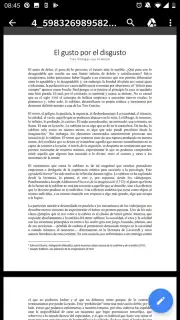
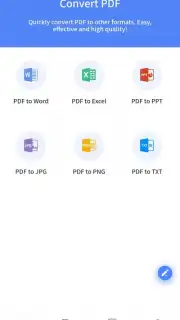
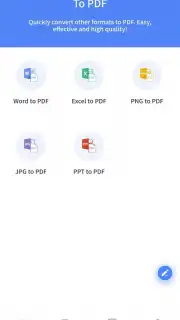
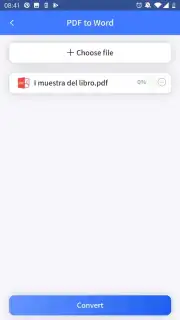
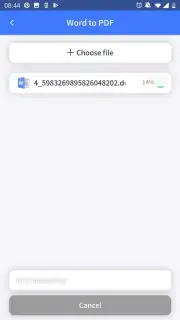
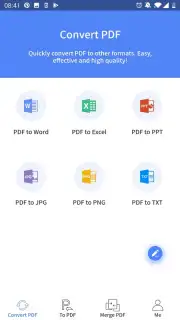
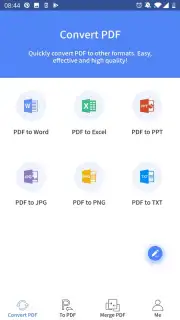
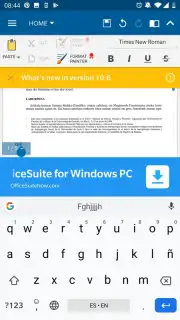
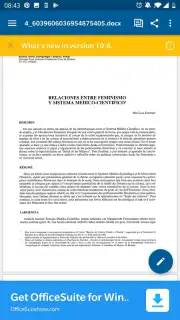
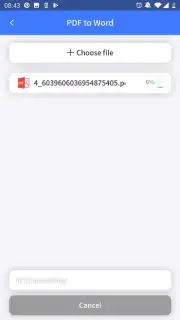
This application serves as a comprehensive mobile office for handling PDFs and a wide range of other file formats. Its engine supports high-fidelity conversion both to and from PDF, ensuring text, images, and complex layouts are preserved accurately. You can convert from PDF to editable formats like Word, Excel, PowerPoint, and HTML, or create PDFs from these same file types, images (JPG, PNG), and even web pages. Beyond conversion, the suite includes a robust PDF editor for modifying text and images, adding annotations, comments, and digital signatures. For sharing and storage, integrated compression tools reduce file size without significant quality loss, and advanced OCR (Optical Character Recognition) technology unlocks text from scanned documents or images for editing and searching.
Key Advantages of the Mobile Toolkit
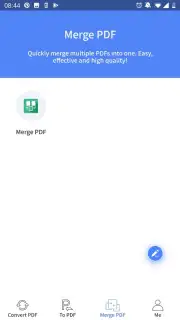
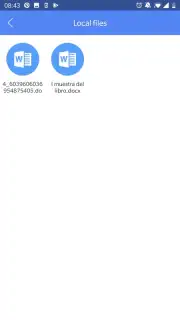
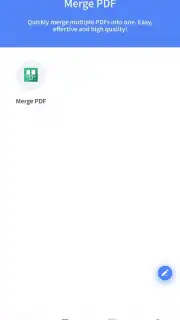
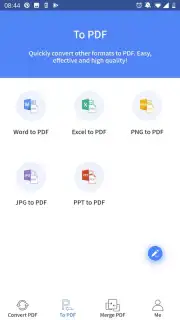
The interface is designed for efficiency on a touchscreen, organizing all tools into a clear, tab-based navigation system. Batch processing allows you to convert or compress multiple files simultaneously, saving considerable time. Operations are performed locally on your device for standard tasks, ensuring speed and privacy, with optional cloud processing available for more demanding jobs like advanced OCR. The app maintains a detailed history of all your operations, allowing for easy re-processing or management of previous files. It integrates seamlessly with cloud storage services and local file managers for effortless importing and exporting of documents.
- High-fidelity PDF conversion both ways
- Edit, annotate, and sign PDFs directly
- Compress files and batch process documents
- Accurate OCR for scanned text recognition
Get your professional document suite and handle any file task on the go.
Download mobile app now
Requires an internet connection for certain features like cloud-based OCR and accessing online storage. The app may offer in-app purchases for premium functionality.
Information
| Version | 1.5.4 |
| Developer | APOWERSOFT LTD |
| Requirements | Android Android + 5.0+ |
| Updated | 17.03.2026 |
| Size | 33.28 MB |
| Package | com.apowersoft.lightpdf |
| Signature | 82a45919ce5501ac2bf4aee3679d793e |
| Architecture | armeabi-v7a, arm64-v8a |


