


Gboard screenshots (33)









Description Gboard
A Review of the Android Typing Experience
For many users, the default keyboard on their Android device is a functional necessity, but rarely a point of delight. It gets the job done, but the experience can feel static and limiting. This is where Gboard, Google's official keyboard application, fundamentally shifts the paradigm. It transitions the keyboard from a simple input tool into a comprehensive, intelligent, and deeply personal command center for all textual and visual communication. Our analysis focuses on its mechanics as a productivity and personalization engine, examining how its layered functionality addresses the myriad ways we interact with our devices daily.
Core Functionality and Customization Depth
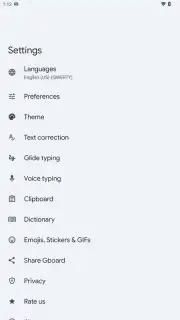
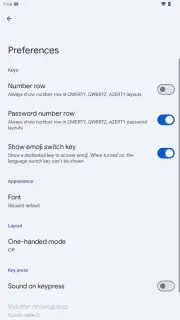
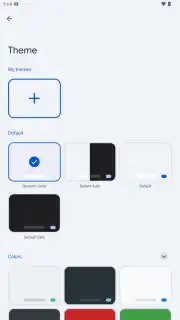
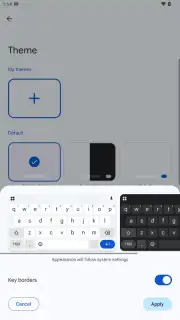
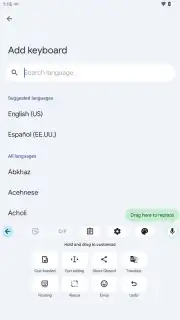
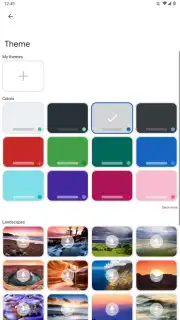
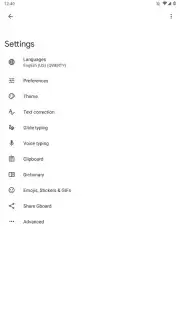
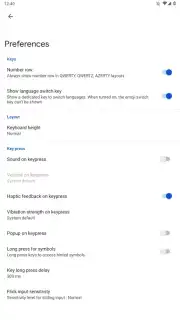
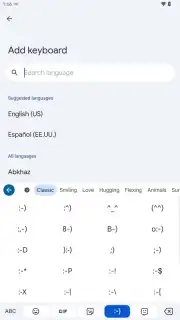
At its foundation, Gboard provides a robust and accurate typing engine. However, its primary analytical strength lies in its extensive customization suite, which allows for granular control over the typing interface. Users are not confined to a single layout or aesthetic. The application offers a vast library of hundreds of themes and background images, alongside system-coordinated light and dark modes. More than just cosmetic, the utility extends to functional adjustments: keyboard height and floating position can be modified, a permanent number row can be enabled, and individual key sizes can be fine-tuned for better accuracy. The toolbar above the keys is fully configurable, permitting users to add, remove, or reorder shortcuts for instant access to tools like the clipboard manager, Google Translate, the emoji panel, or GIF search. Haptic feedback strength and the behavior of the spacebar for language switching are also adjustable parameters, making the tactile and operational experience uniquely personal.
Intelligent Input and Multilingual Systems
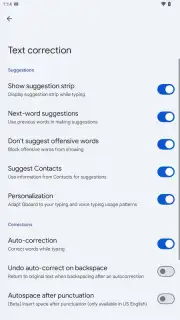
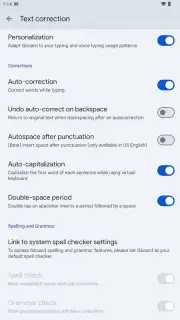
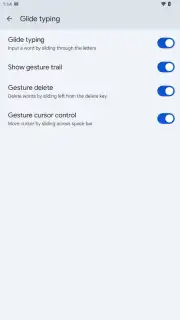
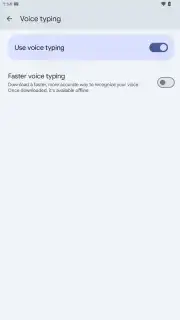
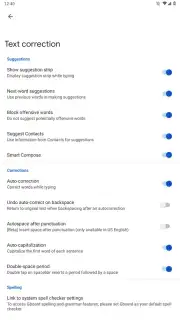
Beyond static customization, Gboard integrates several intelligent systems to accelerate and simplify text entry. Glide Typing allows for fluid word input by sliding a finger across the letters, supported by a predictive AI that accurately interprets the path. Voice typing leverages Google's powerful speech recognition engine for hands-free dictation that is notably fast and reliable in supported languages. Practical gestures enhance navigation: swiping horizontally on the spacebar moves the text cursor with precision, swiping left from the backspace key deletes entire words, and double-tapping the spacebar inserts a period. Context-aware suggestions appear as you type, offering next-word predictions, auto-corrections, and relevant emoji or sticker recommendations, learning continuously from your personal vocabulary and habits.
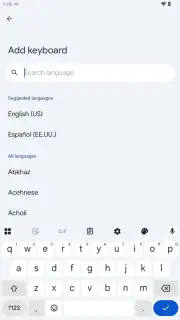
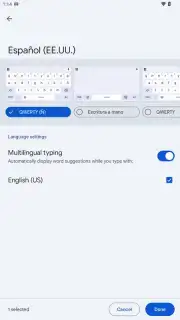
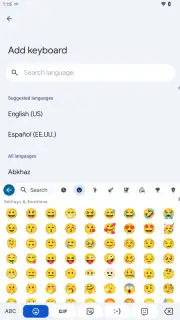
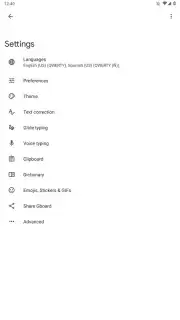
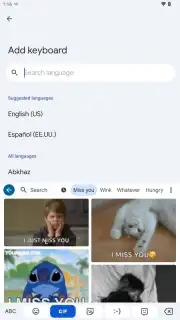
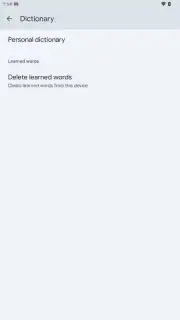
A standout feature for global users or polyglots is the seamless integration of over 900 language varieties. The system intelligently manages multiple active keyboards, often predicting the intended language without manual layout switching. This is powerfully augmented by built-in Google Translate functionality. Translation can be invoked mid-conversation in any app, with text translated in-line before sending, effectively breaking down language barriers without ever leaving the chat window. All personal dictionaries and learned corrections are securely synced across devices linked to your Google Account, creating a consistent typing profile everywhere.
Integrated Content Creation and Management
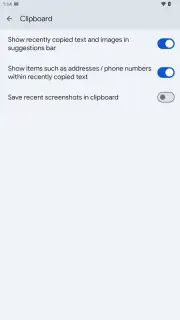
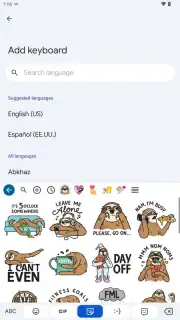
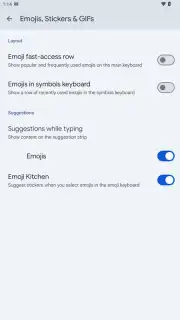
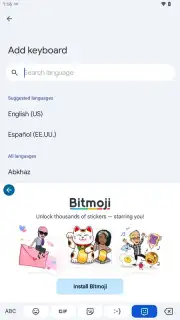
Gboard successfully consolidates functions that typically require third-party apps. Its integrated search provides direct access to a vast repository of GIFs, stickers, and popular memes, allowing for visual expression without app-switching. For emoji, it offers a searchable grid and a unique "Emoji Kitchen" feature that lets users combine emoji to create novel, custom expressions. Furthermore, through integration with Bitmoji, users can generate and use personalized avatar stickers directly within supported messaging platforms. On the utility side, the built-in clipboard manager is a significant productivity tool. It maintains a history of copied text and images, allows pinning of frequently used items like addresses or codes, and supports one-tap pasting of multiple clips. For security, it can be configured to automatically clear history, ensuring sensitive data like passwords are not retained.
Detailed Feature Overview
- Gesture-Based Glide Typing & Voice Input: Enables rapid text entry through finger swiping or reliable, hands-free voice dictation powered by Google's speech recognition.
- Deep Visual & Layout Customization: Choose from hundreds of themes, adjust keyboard size/position, modify key size, and configure the shortcut toolbar to your preference.
- In-Line Translation & 900+ Language Support: Instantly translate typed text within any app and seamlessly switch between a vast array of language layouts.
- Integrated GIF, Sticker & Emoji Search: Access and send visual content, including combinable emoji and Bitmoji, without leaving your current application.
- Advanced Clipboard Manager: Save, pin, and manage a history of copied items, with options for multi-paste and automatic clearing of sensitive data.
We suggest trying Gboard for anyone seeking to replace their standard Android keyboard with a more intelligent, adaptable, and feature-rich communication hub. Consider downloading it to experience a significant upgrade in daily typing efficiency and expressive capability.
Download the Gboard mobile app now.
Disclaimer: This application requires an internet connection for full functionality of features like voice typing, translation, and GIF search. It is developed by Google LLC and integrates with Google services. The app may request permissions for microphone access (for voice input), storage (for saving themes/clipboard items), and network communication. User data, including personalized dictionaries and settings, may be synced to your Google Account. The app is generally rated for all ages but involves user-generated content in GIF/search features. It is free to use and does not contain third-party advertisements.
Information
| Version | 16.9.1.873986071-release-armeabi-v7a |
| Developer | Google LLC |
| Requirements | Android Android + 12L+ |
| Updated | 17.03.2026 |
| Size | 54.58 MB |
| Package | com.google.android.inputmethod.latin |
| Signature | cde9f6208d672b54b1dacc0b7029f5eb,f026fdcf21375f987164c84da76ef5fd |
| Architecture | armeabi-v7a |


