

PDF Conversion Tool screenshots (8)
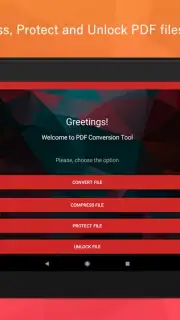
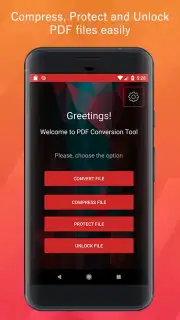
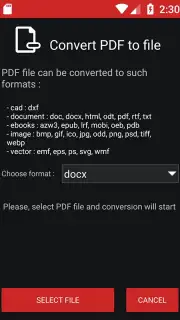
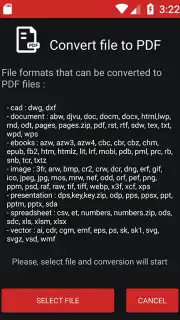
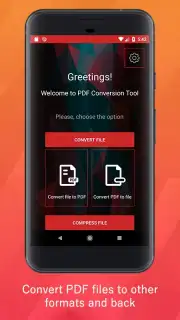
Description PDF Conversion Tool
Ever feel like you're drowning in paperwork, wasting precious minutes just trying to get a simple document into the right format? What if you could handle any PDF task in seconds, right from your pocket?
Your All-in-One Document Powerhouse
Imagine a tool that turns your phone into a mobile command center for every document challenge. This isn't just a simple viewer; it's a full-featured workshop designed to make you more productive. You can instantly transform photos of whiteboards or receipts into crisp, searchable PDFs, feeling that surge of satisfaction as messy notes become organized files. Need to send a contract but it's a Word doc? Convert it to a polished PDF with perfect formatting preserved, giving you total confidence before you hit send. The power to merge multiple files, rearrange pages with a simple drag, or protect sensitive information with password encryption is all in your hands, turning chaotic document management into a streamlined, effortless process.
Why This Tool Becomes Your Go-To App
- One-Tap Conversions: Effortlessly switch between PDF, Word, Excel, PowerPoint, and image files.
- Smart Scan & OCR: Turn any physical document or image into an editable, high-quality digital PDF.
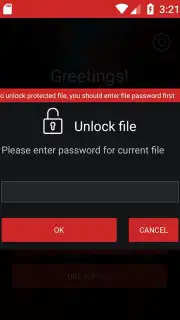
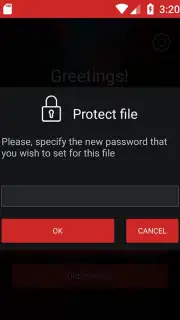
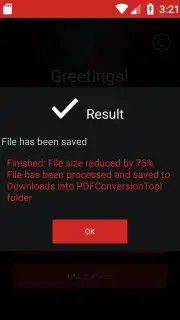
- Advanced Editing Suite: Merge, split, compress, annotate, and password-protect documents directly on your device.
You might enjoy taking back control of your documents and transforming your productivity. Consider downloading PDF Conversion Tool by RoxyApps to experience the simplest way to manage, convert, and edit files on the go.
Heads up: you'll need wifi for most features. Some cool stuff is extra. Requires Android 5.0 or later.
Information
| Version | 1.5 |
| Developer | RoxyApps |
| Requirements | Android Android + 5.0+ |
| Updated | 17.03.2026 |
| Size | 14.18 MB |
| Package | com.roxyapps.pdfconversiontool |
| Signature | 4b6098aab9917d9d35f65ecdf9a14fd2 |
| Architecture | arm64-v8a |


