

SE File Manager screenshots (6)
Description SE File Manager
A Dedicated File Management Engine for Android
SE File Manager provides a streamlined, ad-free environment for comprehensive file system control on Android devices. This tool is engineered to handle all fundamental and advanced file operations through a clean interface, eliminating clutter and focusing on direct access to your device's storage. It transforms your phone or tablet into an organized digital workspace where every document, image, and application package can be located, sorted, and manipulated with precision.
Core Functionality and Organizational Tools
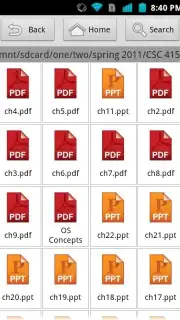
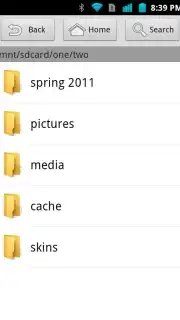
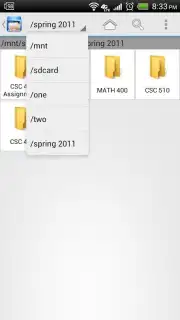
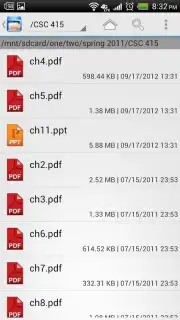
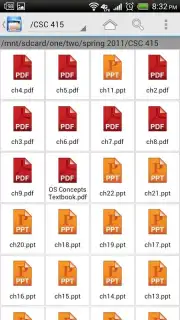
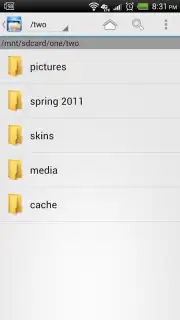
The application delivers universal file management capabilities, allowing users to execute batch operations on multiple files and folders simultaneously. You can delete, move, copy, or rename groups of items in a single action. Navigation is supported by both list and grid view modes, offering flexibility for browsing different types of content. Enhanced sorting parameters let you organize storage by name, modification date, file size, or type, creating a logical structure for your data.
Practical Utilities for File Handling
Beyond basic management, SE File Manager includes a set of practical utilities for everyday tasks. A built-in search function locates files instantly, while compression and extraction tools handle archived formats. The app supports thumbnail previews for images and displays APK file icons for easy identification. These features are designed to minimize the need for multiple specialized apps, centralizing file interaction within a single, efficient platform.
System Integration and Performance
Optimized specifically for the Android operating system, the app ensures stable performance across various device configurations and OS versions. Its lightweight design promotes fast launch times and responsive navigation without consuming significant system resources. This focus on core functionality and system harmony facilitates a reliable and uninterrupted file management experience.
- Universal file and folder control
- Batch operations and dual views
- Search, compress, and preview tools
We suggest trying SE File Manager to experience a focused and efficient approach to Android file system management. Consider downloading it to directly handle your device's storage.
Internet required. IAP available.
Information
| Version | 1.1 |
| Developer | Wenhui Yao |
| Requirements | Android Android + 8+ |
| Updated | 17.03.2026 |
| Size | 496.34 KB |
| Package | com.wenhui.filebrowser |
| Signature | 5b278b4e4647aa5564675a544887bd33 |


