


Microsoft OneDrive screenshots (26)







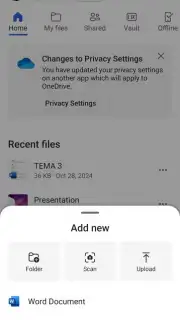
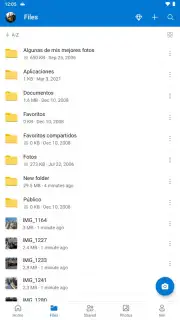
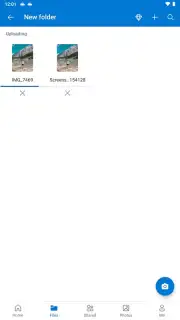
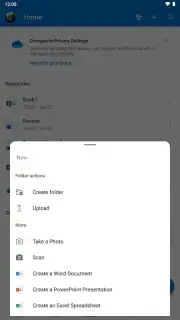



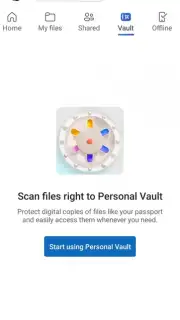

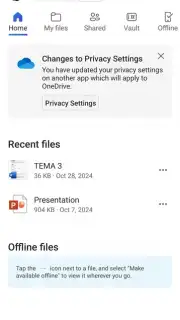

Description Microsoft OneDrive
What Does a Modern Cloud Storage Service Actually Deliver?
In an ecosystem crowded with options, Microsoft OneDrive positions itself not merely as a digital locker, but as an integrated file management hub. The core proposition is cross-platform synchronization, enabling users to access, edit, and share documents, photos, and videos from an Android smartphone, a Windows PC, or virtually any web browser. The service distinguishes itself through deep integration with the Microsoft 365 productivity suite, creating a seamless workflow for users already operating within that environment. This review examines the practical mechanics, storage allowances, and specific tools that define the daily user experience beyond the marketing promises.
A Detailed Analysis of Functionality and Integration
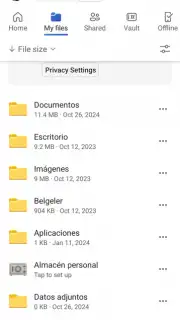
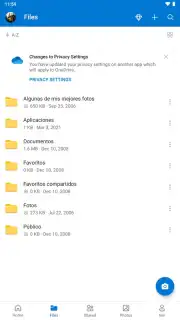
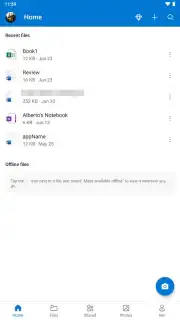
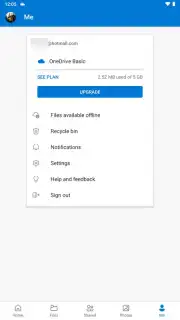
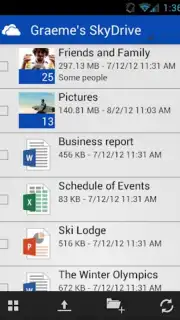
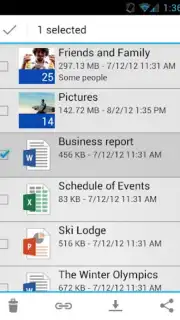
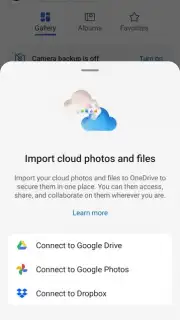
The application provides 5 GB of complimentary cloud storage, compatible with any file type. A notable promotional offer includes an additional 15 GB of storage through a partnership with Dropbox, expanding initial capacity significantly. The true operational strength lies in its native integration with mobile versions of Word, Excel, PowerPoint, and OneNote. Any document created or edited within these apps is automatically saved to the linked OneDrive account, ensuring the latest version is instantly available across all signed-in devices. This eliminates the traditional "save as" step and manual file uploading, streamlining document continuity.
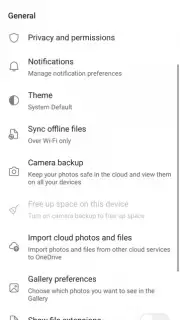
A primary feature for mobile users is the camera upload function. Once permissions are granted, this tool automatically backs up photos and videos to a dedicated folder in the cloud. This serves as a passive archival system, safeguarding media against device loss or failure. Furthermore, the built-in document scanner utilizes the device's camera to digitize physical papers, receipts, or whiteboards, saving them as searchable PDFs directly to a chosen OneDrive folder. For access, authentication is straightforward via email and password or a linked phone number. The application also supports offline functionality; users can mark specific files and folders for offline access, allowing for viewing and editing without an internet connection. All changes are then synchronized automatically once connectivity is restored.
- Provides 5 GB of free cloud storage with broad compatibility for all file formats and types.
- Features deep automatic integration with Microsoft 365 mobile apps for seamless editing and saving.
- Enables automatic camera upload for continuous backup of photos and videos to the cloud.
- Includes a built-in document scanner to create and organize digital PDF copies instantly.
- Supports full offline access and editing with automatic sync upon reconnecting to the internet.
We suggest trying Microsoft OneDrive for a unified file management system that effectively bridges mobile and desktop workflows. Consider downloading it to leverage its tight productivity app integration and automated backup features.
Disclaimer: This application requires a persistent internet connection for full synchronization and initial setup. It may offer in-app purchases for additional storage plans beyond the free tier. The service involves the collection and transmission of user data to cloud servers; review the developer's privacy policy for details on data handling. Age restrictions may apply as per the platform's store guidelines. Data usage charges may be incurred when syncing large files over cellular networks.
Information
| Version | 7.50 |
| Developer | Microsoft Corporation |
| Requirements | Android Android + 8.0+ |
| Updated | 17.03.2026 |
| Size | 101.08 MB |
| Package | com.microsoft.skydrive |
| Signature | 61a8a8aa6a8b936aee93615f58af92d3 |
| Architecture | armeabi-v7a |


