


Pixels: Resolution+DPI Changer screenshots (8)
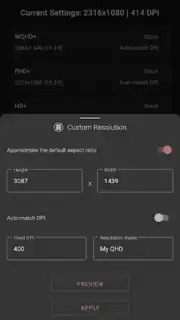
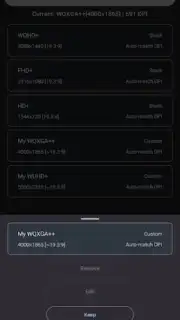
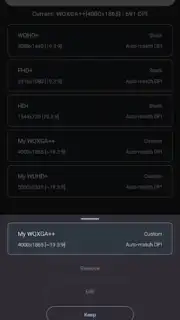
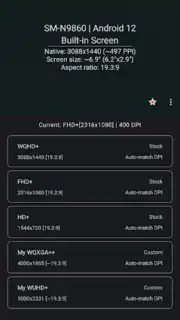
Description Pixels: Resolution+DPI Changer
Ever felt like your phone’s display just doesn’t fit you? That icons are too big, text is too chunky, or screen real estate is wasted? Unlock the true potential of your Android device with Pixels: Resolution+DPI Changer. This is your direct toolkit to fine-tune your screen’s pixel density and resolution, transforming your user experience from standard to perfectly personalized.
Take Complete Control of Your Display
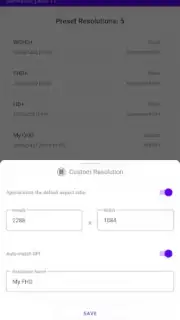
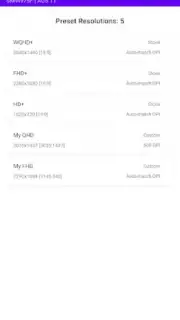
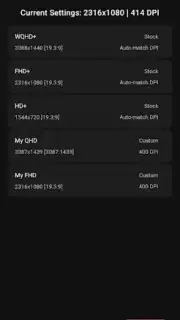
Pixels: Resolution+DPI Changer provides a powerful, yet safe, interface for advanced users and tinkerers who want to modify their device’s display parameters. Adjust the DPI (dots per inch) to make on-screen elements smaller or larger, effectively changing the scale of your entire interface. Simultaneously, you can alter the screen resolution to increase sharpness or optimize for performance. The app includes built-in safeguards and warnings to prevent unusable settings, and it offers quick reversion options to default values with a single tap. It’s designed for those who want their device to look and feel exactly right for their eyes and usage.
Why Choose Pixels?
This tool stands out by putting professional-level display calibration in your pocket. It’s built for stability and control, offering a clean, ad-free experience focused purely on functionality. You gain the ability to improve readability, fit more content on screen, or mimic the display profiles of other devices, all without needing root access on many supported models. It’s the definitive utility for anyone serious about personalizing their Android experience beyond wallpapers and themes.
- Adjust Screen Density (DPI): Scale system UI and app elements for a tighter or more spacious layout.
- Modify Display Resolution: Increase sharpness or lower resolution to boost device performance.
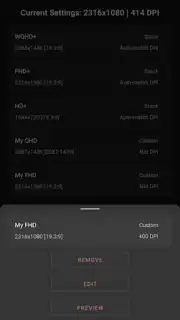
- One-Tap Profile Management: Save, load, and switch between your favorite custom display setups instantly.
- Built-in Safety Features: Automatic warnings and an easy recovery mode to revert to stable settings.
- No-Root Functionality: Implements changes on many devices without requiring root access.
Don't settle for a one-size-fits-all display. Download Pixels: Resolution+DPI Changer now and experience an exclusive level of control—transform your phone’s interface today and see the difference perfect pixels make!
Internet required. IAP available.
Information
| Version | 3.32 |
| Developer | tribalfs |
| Requirements | Android Android + 7.0+ |
| Updated | 17.03.2026 |
| Size | 6.06 MB |
| Package | com.tribalfs.pixels |
| Signature | 516ef039dff3c97d194df138b931644a |
| Architecture | armeabi-v7a, arm64-v8a |


