


OPPO Clock screenshots (8)
Description OPPO Clock
Need a comprehensive time management tool built directly into your OPPO device? OPPO Clock is the pre-installed system application that centralizes all chronometric functions, transforming your smartphone into a versatile hub for alarms, world time, and precision timers. It eliminates the need for multiple third-party apps by providing a streamlined, ad-free interface designed for quick daily operation and reliable schedule tracking.
Core Functionality and Features
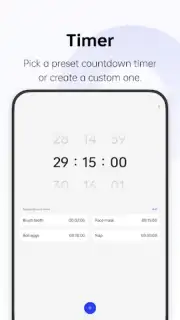
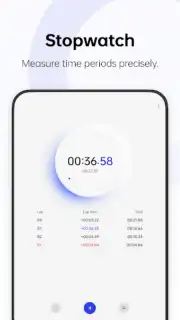
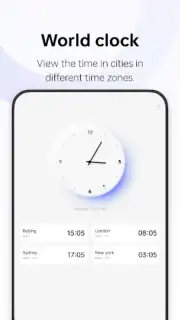
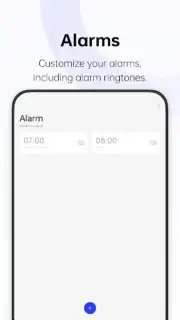
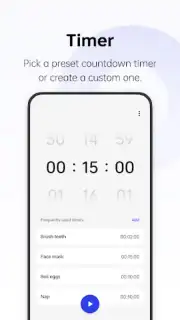
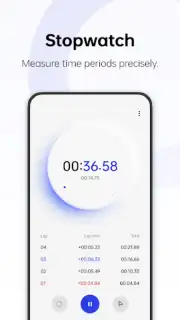
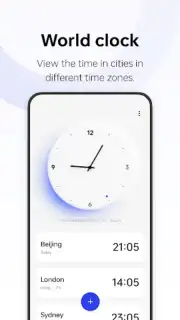
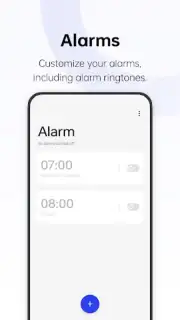
The application is structured into dedicated sections for immediate access to its primary modes. The main screen presents a clear overview of all set alarms, allowing for one-tap activation or modification. A separate world clock tab enables the monitoring of current times across numerous global cities, which is essential for coordinating across time zones. The integrated timer system supports customizable intervals for specific activities, such as a dedicated two-minute setting for oral hygiene routines. This modular design ensures that each tool is optimized for its specific purpose without interface clutter.
Detailed Feature Overview
- Set and manage multiple personalized alarms with individual labels and tones.
- Monitor live time in cities worldwide through the dedicated world clock tab.
- Create custom countdown timers for cooking, workouts, or productivity sessions.
- Access all tools via a streamlined, ad-free interface with Turbo optimization.
- Enjoy deep system integration for reliable, low-power background operation.
Get immediate control over your daily schedule and timekeeping needs. Download this essential utility now to organize your day directly from your home screen.
Internet required. IAP available.
Information
| Version | 16.15.6 |
| Developer | OPPO |
| Requirements | Android Android + 9+ |
| Updated | 17.03.2026 |
| Size | 26.28 MB |
| Package | com.coloros.alarmclock |
| Signature | d5f2d71470028a27f040234dbe7b62b0 |
| Architecture | armeabi-v7a, arm64-v8a |


